Report Wizard
Goal: Usability
Sponsor: Trek Global
Description:
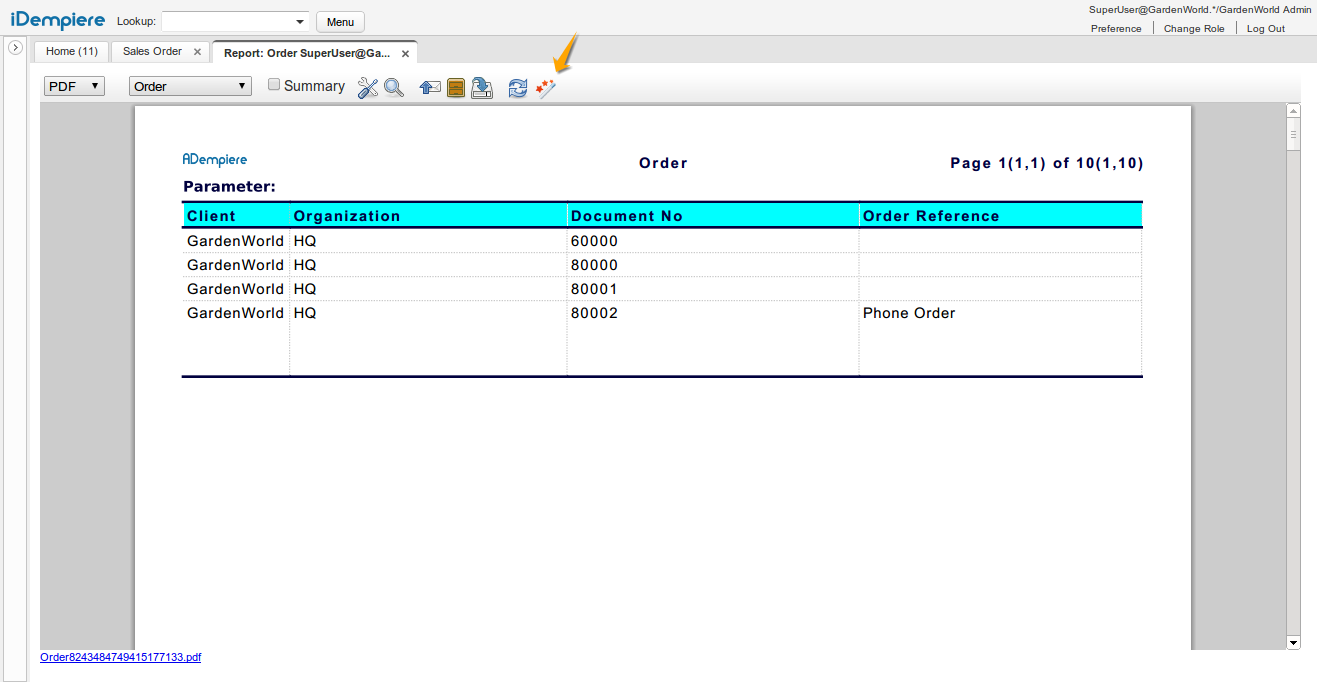
Configuration of reports is easier with the report wizard accessible from the toolbar on report viewer:
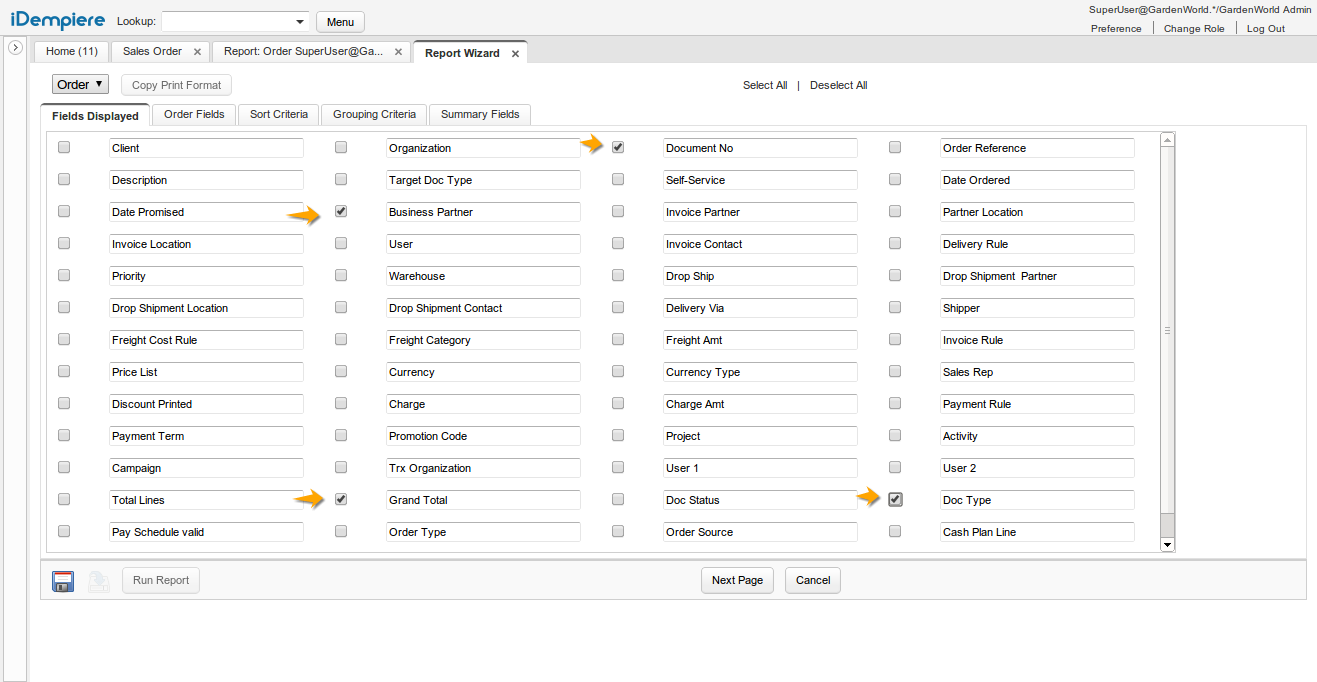
After entering the wizard the user can select the fields to display:
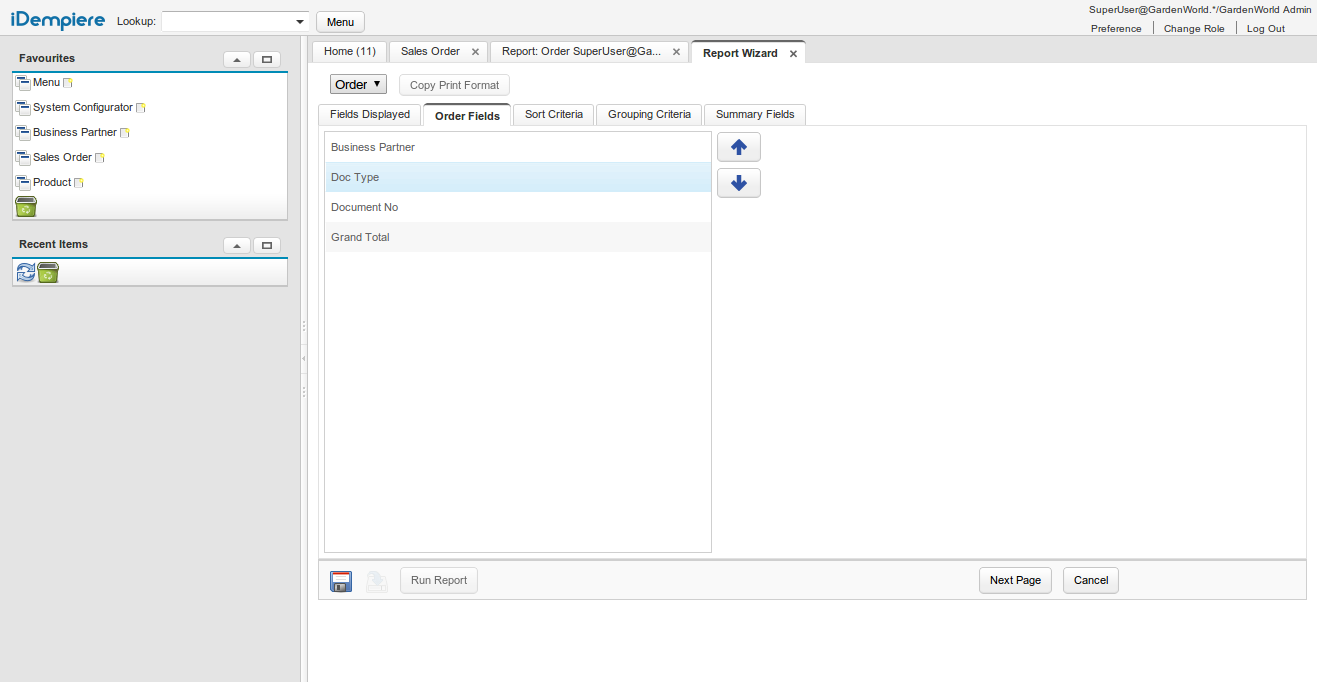
Then navigate to the second tab and define the order of the displayed fields
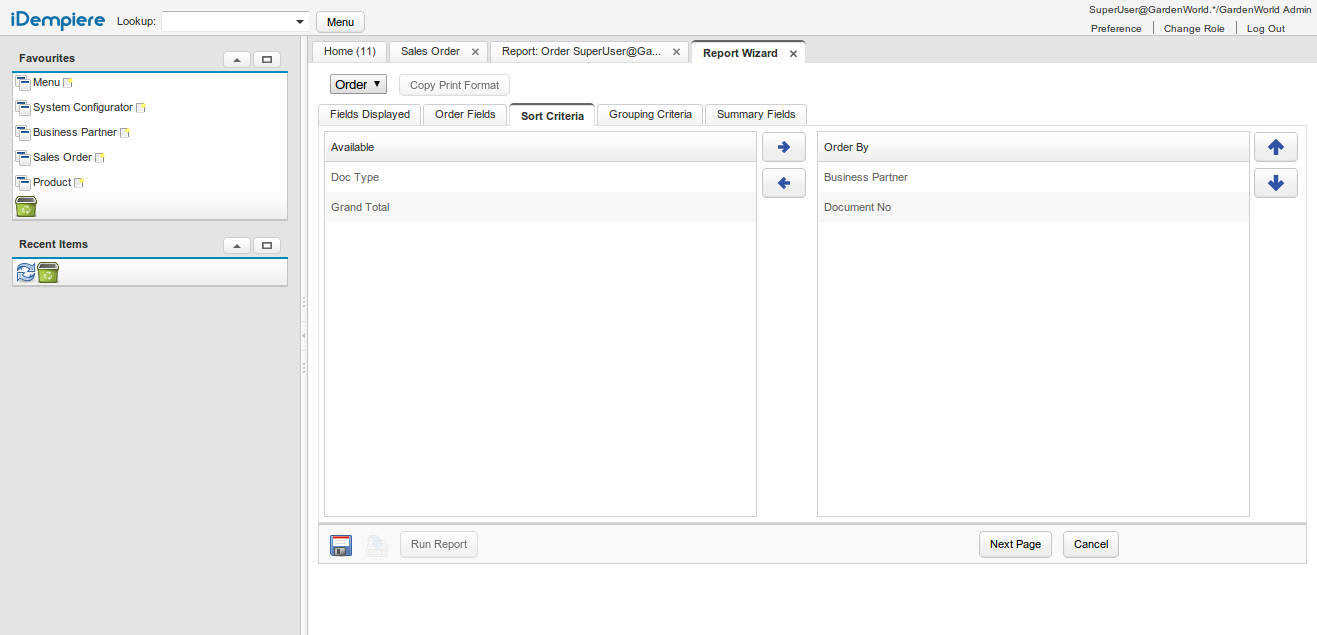
Then user can select the fields to order, and the ordering sequence:
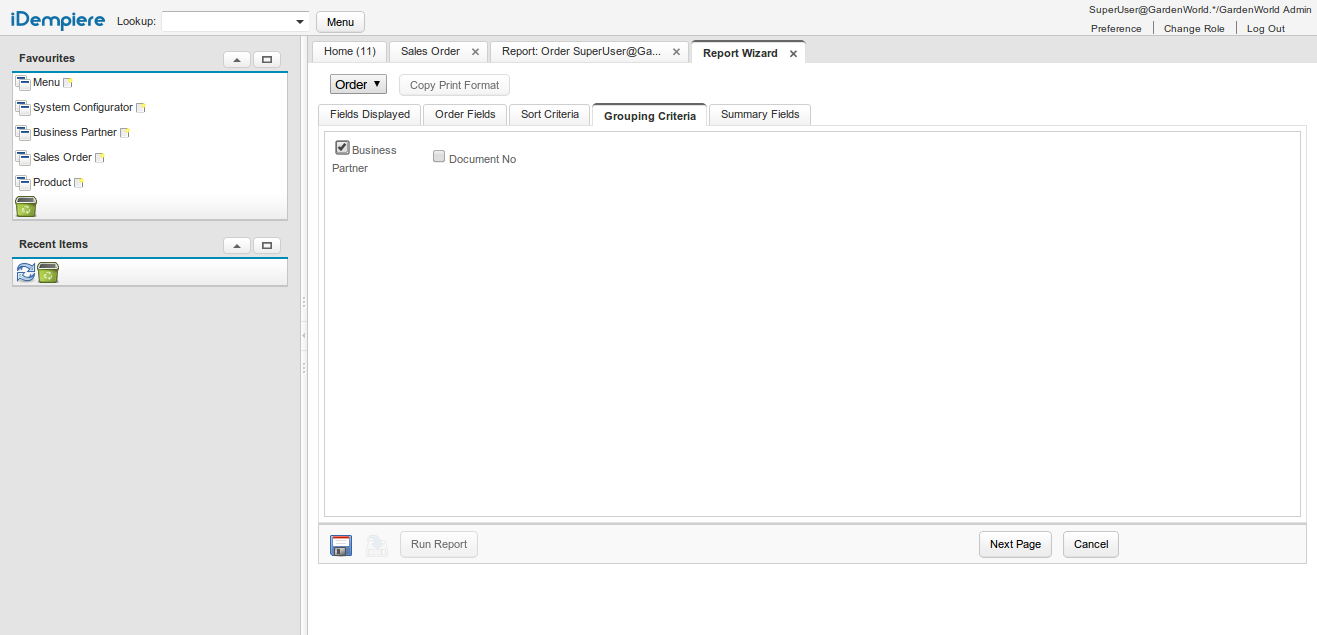
Then user can select the grouping fields:
And finally user can select the aggregate functions on the displayed fields:
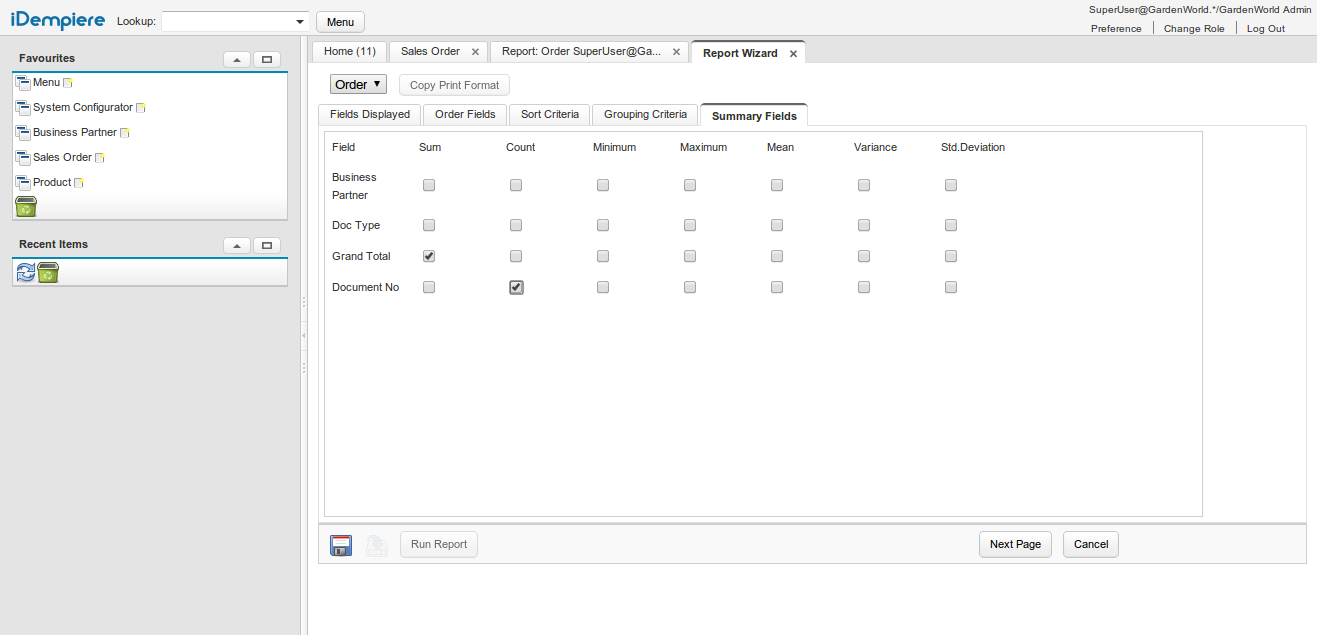
Don't forget to save the changes and then you can run the report.
Technical Info: IDEMPIERE-379
Source: Wiki