Forgot My Password
Goal: Security
Sponsor: Trek Global
Description:
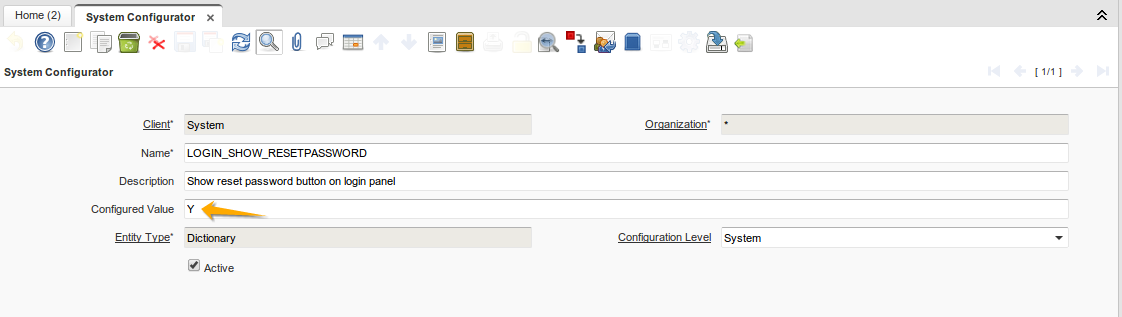
"Forgot My Password" provides the user the ability to retrieve your password. Previously, this option must be enabled on "System Configurator" window.
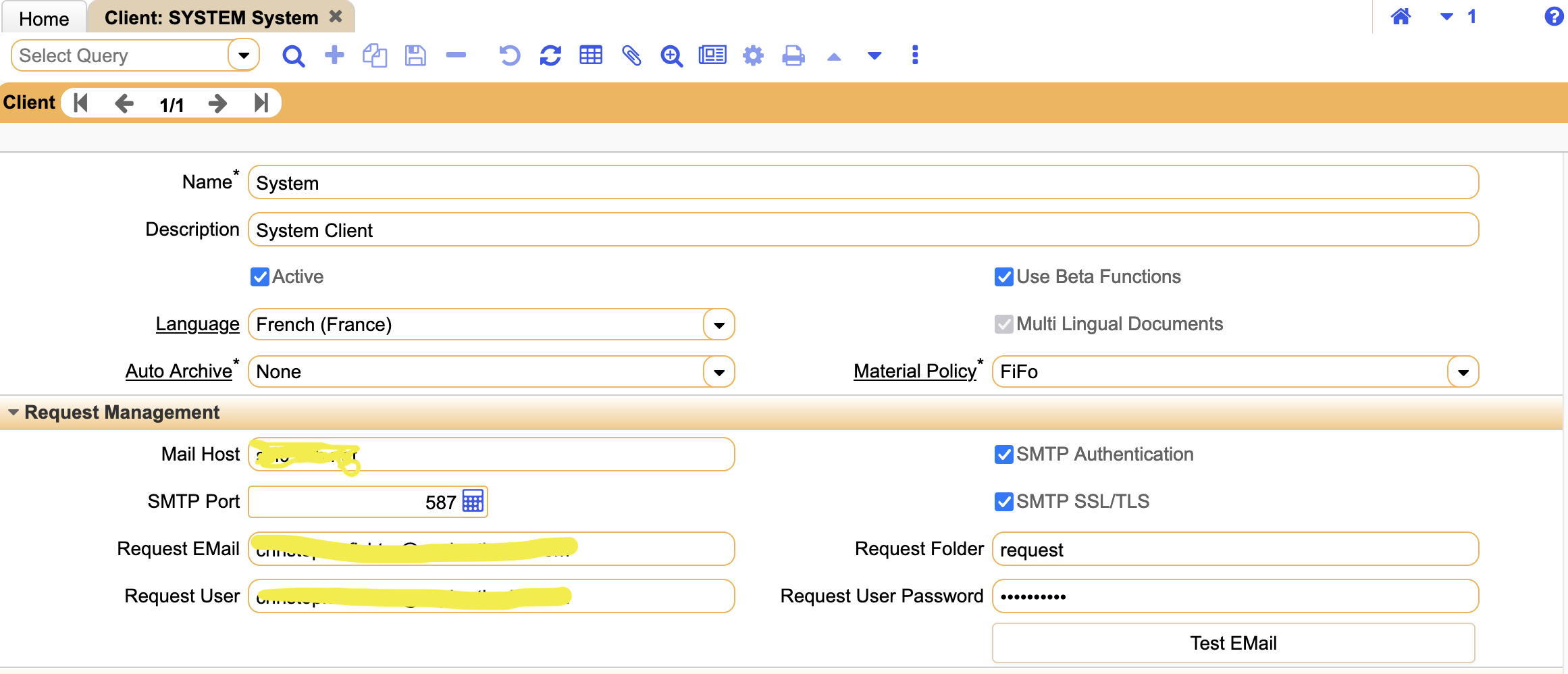
It is also necessary to think about setting the smtp at the SYSTEM client level
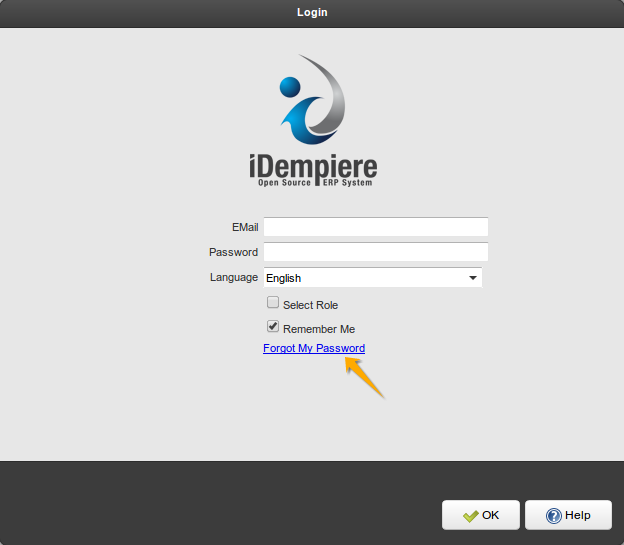
The link "Forgot My Password" is showing in login dialog
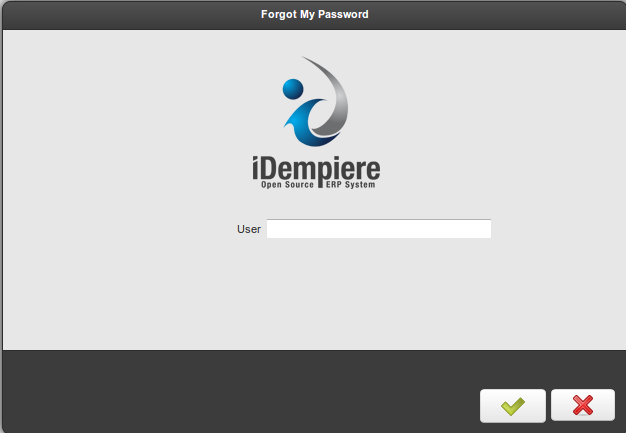
When clicking on the link, a dialog opens, where the user provides the required information to reset the password. The new password will be sent to the registered e-mail
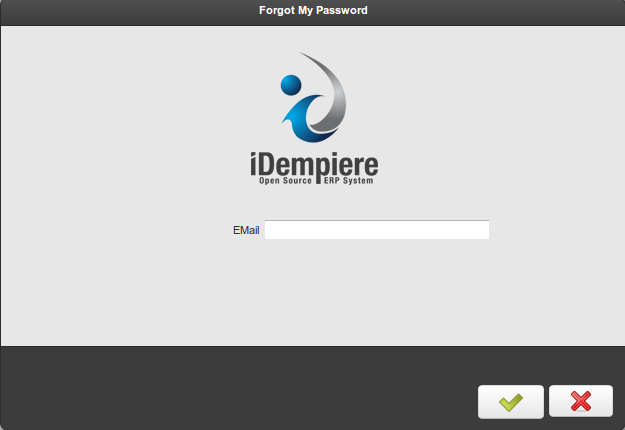
*Remember that the client must have a mail server configured. Users must also have an E-mail Address configured
To access your system, now use the temporary password sent to your e-mail , you will be directed to change password screen.
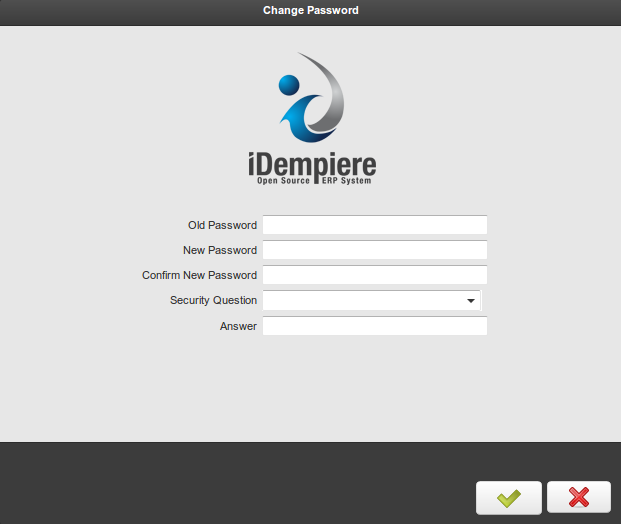
The "security questions" are messages that can be modified by the system administrator on "Message" window.
- SecurityQuestion_1 : What was your childhood nickname?
- SecurityQuestion_2 : Who was your childhood hero?
- SecurityQuestion_3 : What was the name of your elementary / primary school?
- SecurityQuestion_4 : What are the last 5 digits of your driver's license number?
- SecurityQuestion_5 : Where did you meet your spouse / significant other?
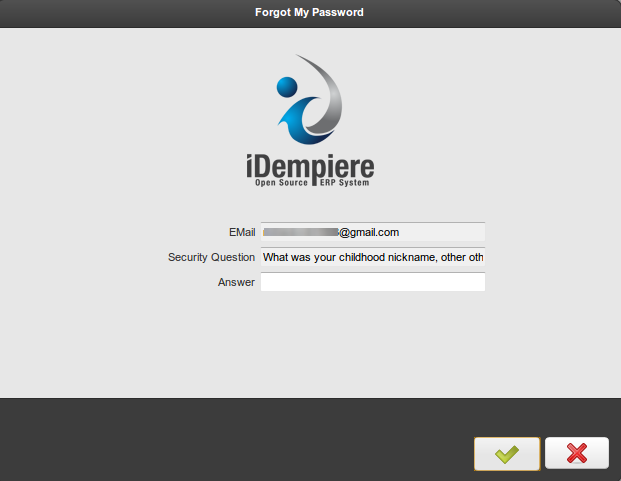
The second time the user use "Forgot my Password" ,the dialog displays the security question and validate that the answer is correct.
Technical Info: IDEMPIERE-375
Source: Wiki