Find Window
Goal: Usability
Sponsor: Trek Global
Description:
The history button was moved from toolbar to search window.
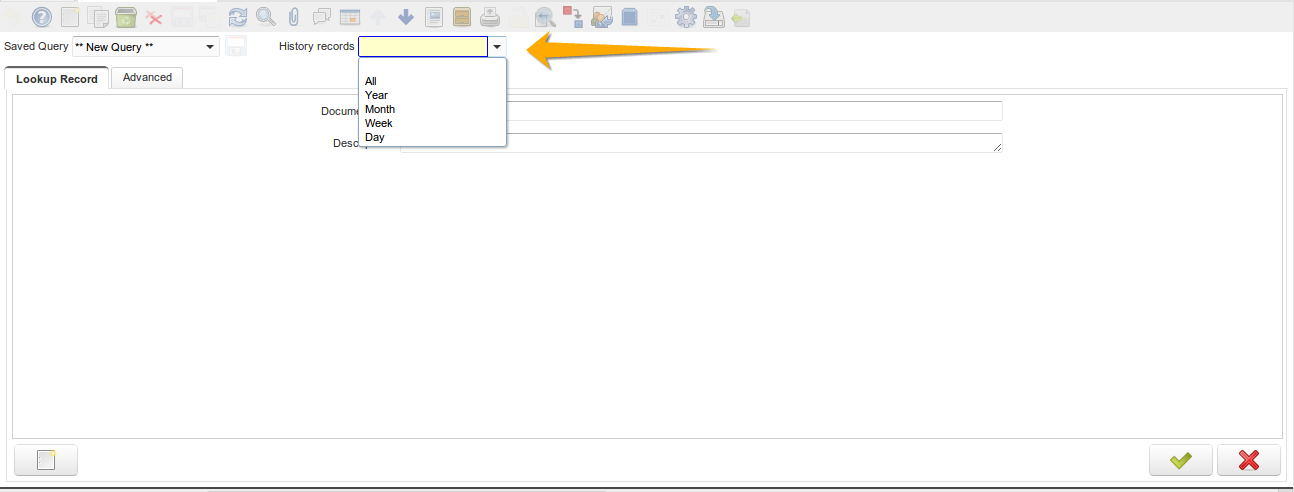
Can save advanced search
Make advanced search in any window
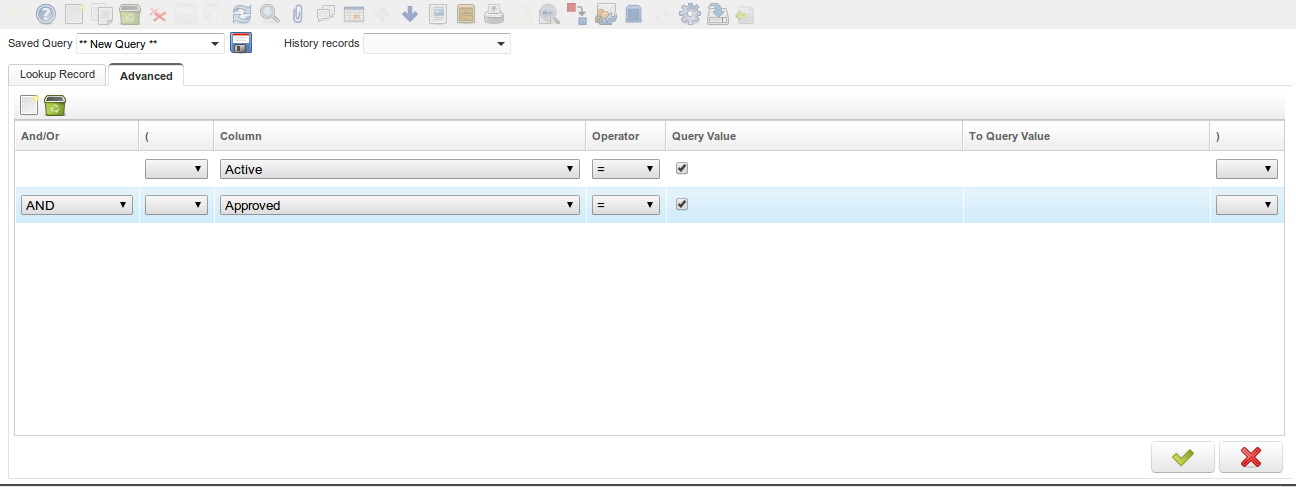
Assign a name to the search and save
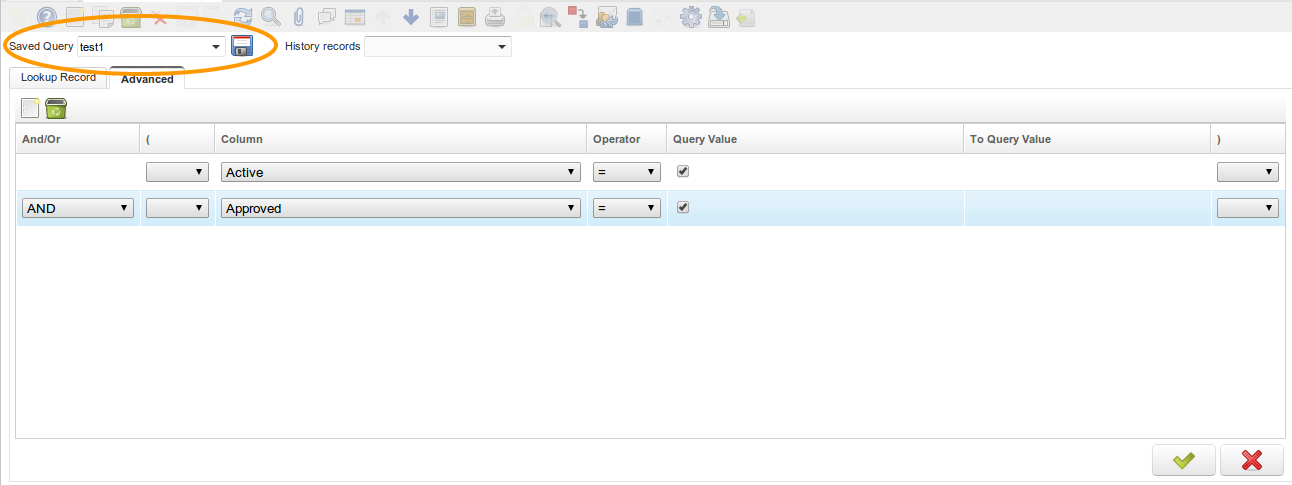
Can use this search anytime needed, use the drill down to select a previously saved search.
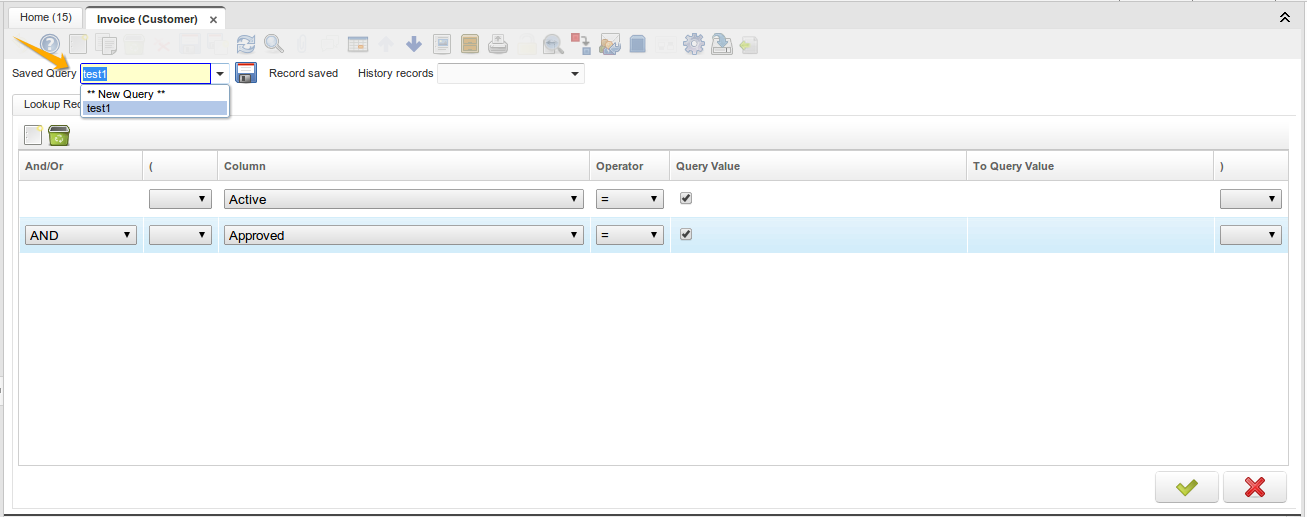
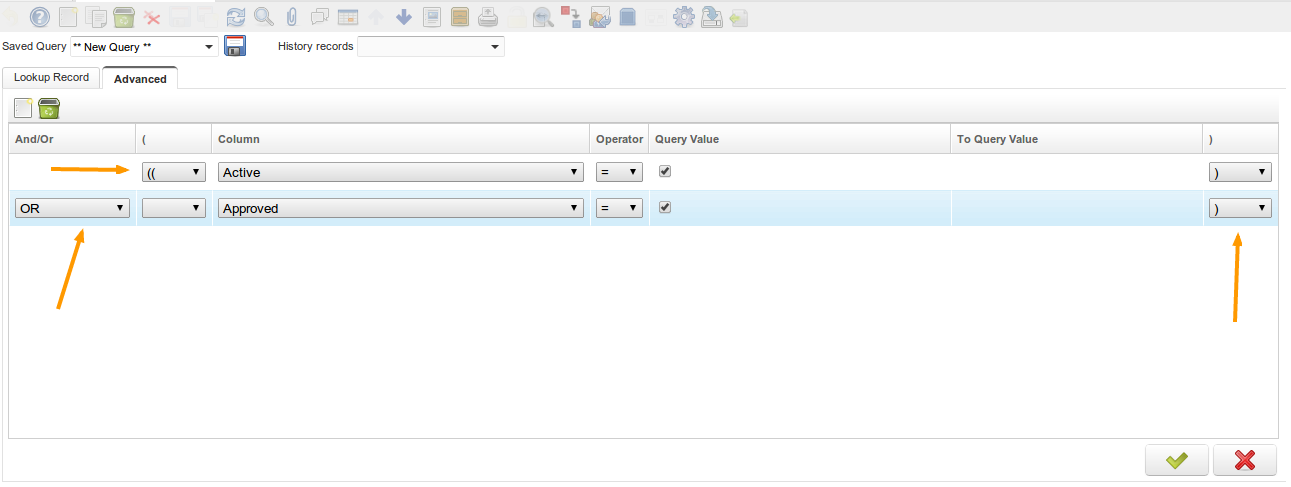
Implement the AND/OR for use in the advanced search also can use parenthesis for organize the search
All operators were reviewed to allow using operators on all columns where is possible, like > >= < <= ... (also operators to search NULL and NOT NULL values were added)
For Example:
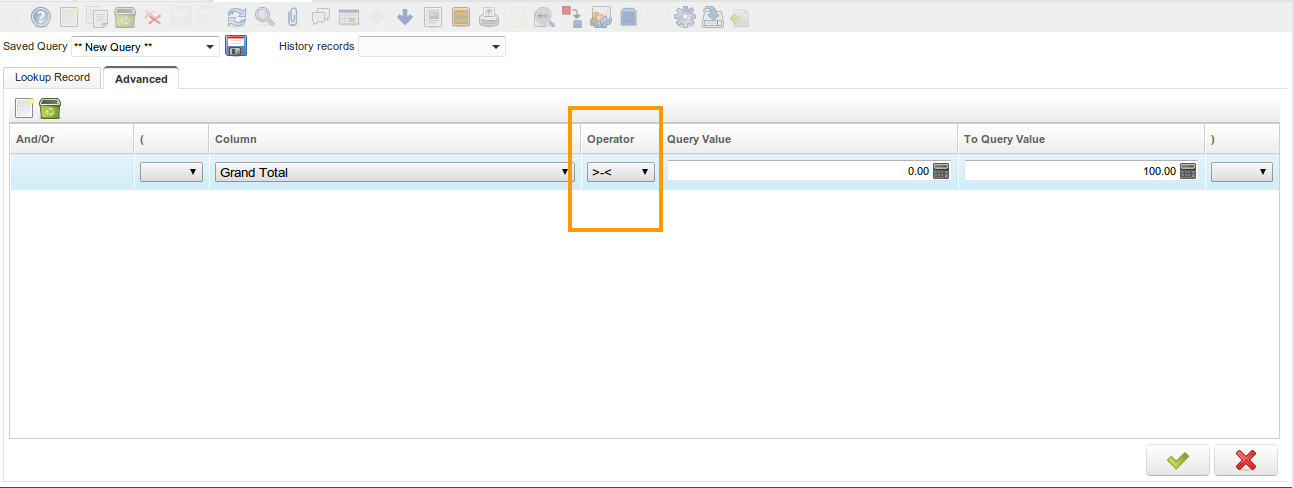
!= not equal
>= greater than or equal
<= lesser than or equal
_< between !NULL not null
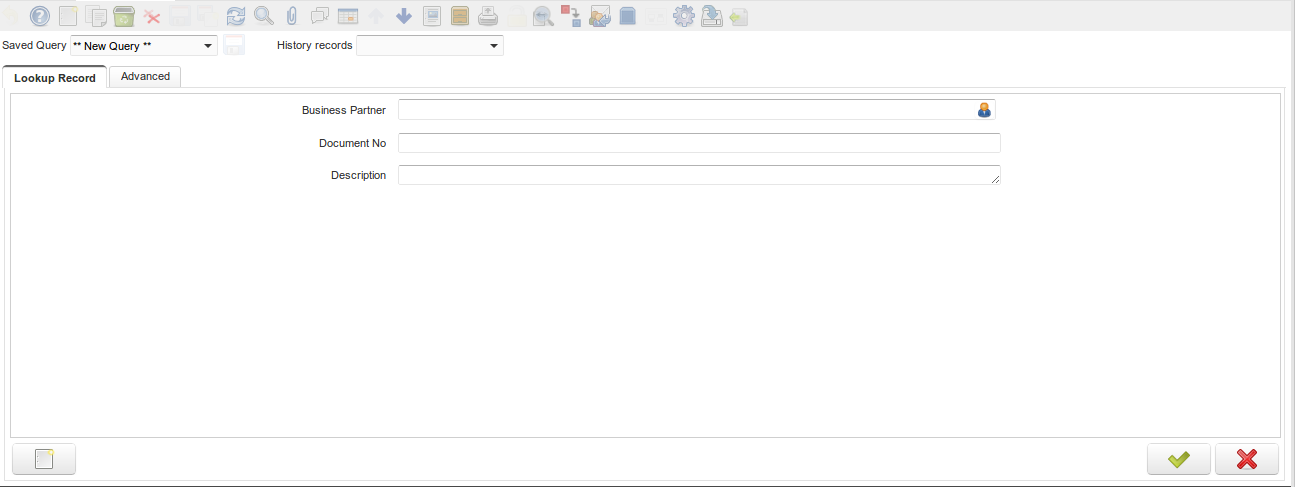
Now you can order the fields on the search window.
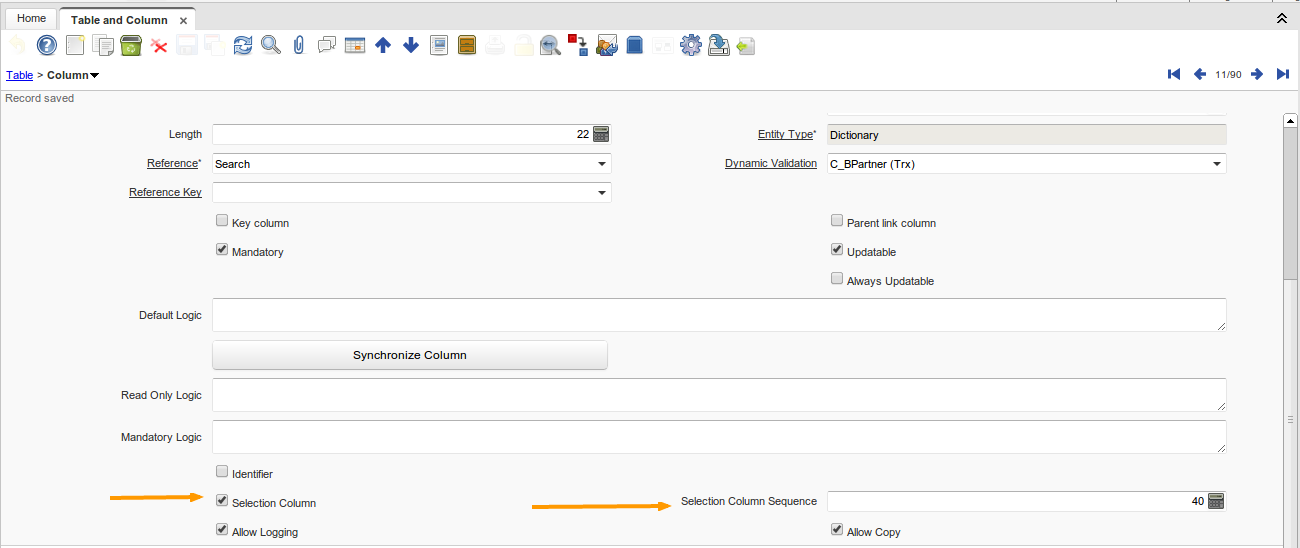
With role System Administrator In Window "Table and Column" tab "Column" Select the column that will appear in the search window Select the flag "Selection Column" The field "Selection Column Sequence" comes on to select the order that will appear in the window search
Technical Info: IDEMPIERE-377
Source: Wiki