Ask Input Within Process
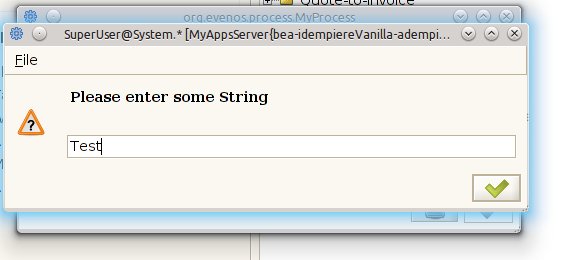
String input in Swing
Goal: Development
Developer: Jan Thielemann
Technical Info: IDEMPIERE-1773
Description:
When running a process from the GUI, you now have two methods to interact with the user. In the SvrProcess subclass you can call the processUI to ask for boolean or String inputs. Here is an example of how to use the askForInput() method:
 final StringBuffer string = new StringBuffer();
 final StringBuffer stringcaptured = new StringBuffer();
 processUI.askForInput("Please enter a String:", new Callback<String>() {
	@Override
	public void onCallback(String result) {
		addLog("You entered: " + result);
		string.append(result);
		stringcaptured.append("true");
	}
 });
 int timeoutInSeconds = 5;
 int sleepms = 200;
 int maxcycles = timeoutInSeconds * 1000 / sleepms;
 int cycles = 0;
 while (stringcaptured.length() == 0) {
	try {
		Thread.sleep(sleepms);
	} catch (InterruptedException e) {}
	cycles++;
	if (cycles > maxcycles)
		throw new AdempiereUserError("Timeout waiting for user answer");
}
 String userinput = string.toString();
Notice that we have to use final objects so they can be used in the callback. Using a StringBuffer is a good idea here. Also notice that we implemented a timeout because a process produces a lot of locks.
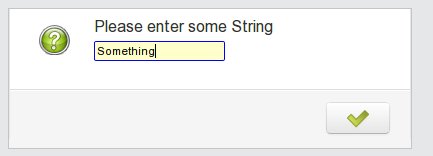
String input in WebUI
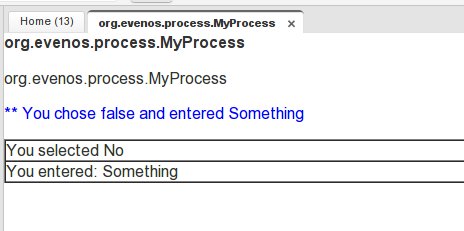
Parameters read during the process and logged with addLog()
Source: Wiki