DB Objects in Dictionary
Goal: Technical
Sponsor: TrekGlobal
Description:
Indexes
Now you can define and maintain database indexes directly in the dictionary.
On the first tab you must fill the index name, if you make the index unique you can select a message to show when the uniqueness is broken.
On the second tab you can define the columns that compose the window, including also
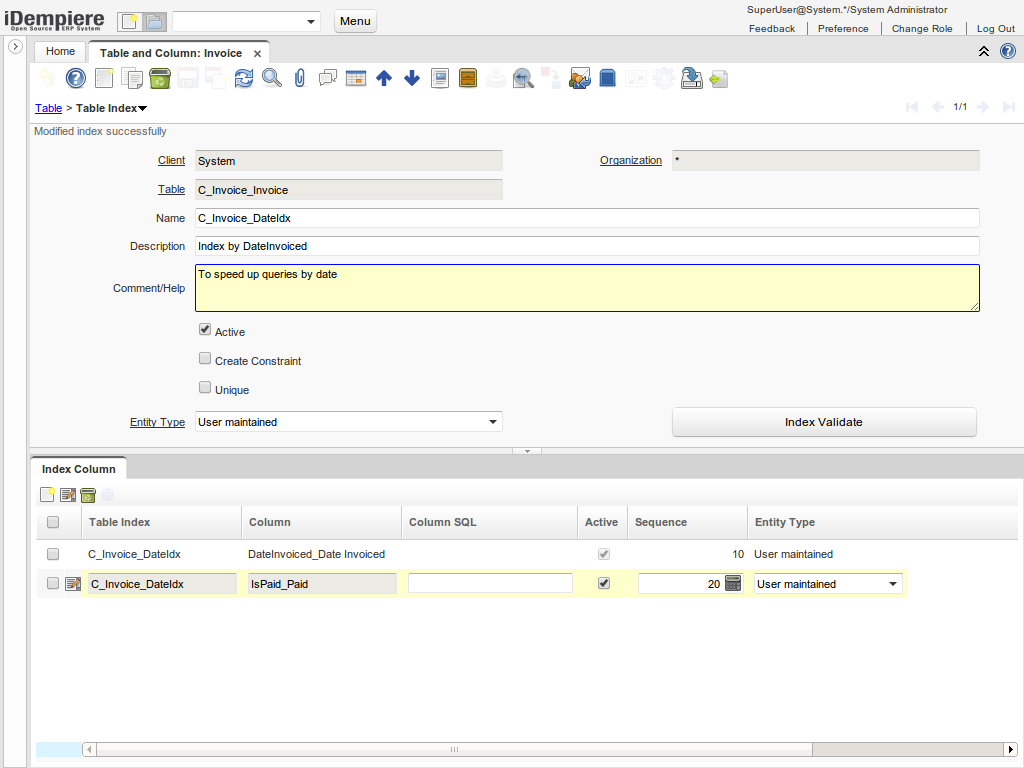
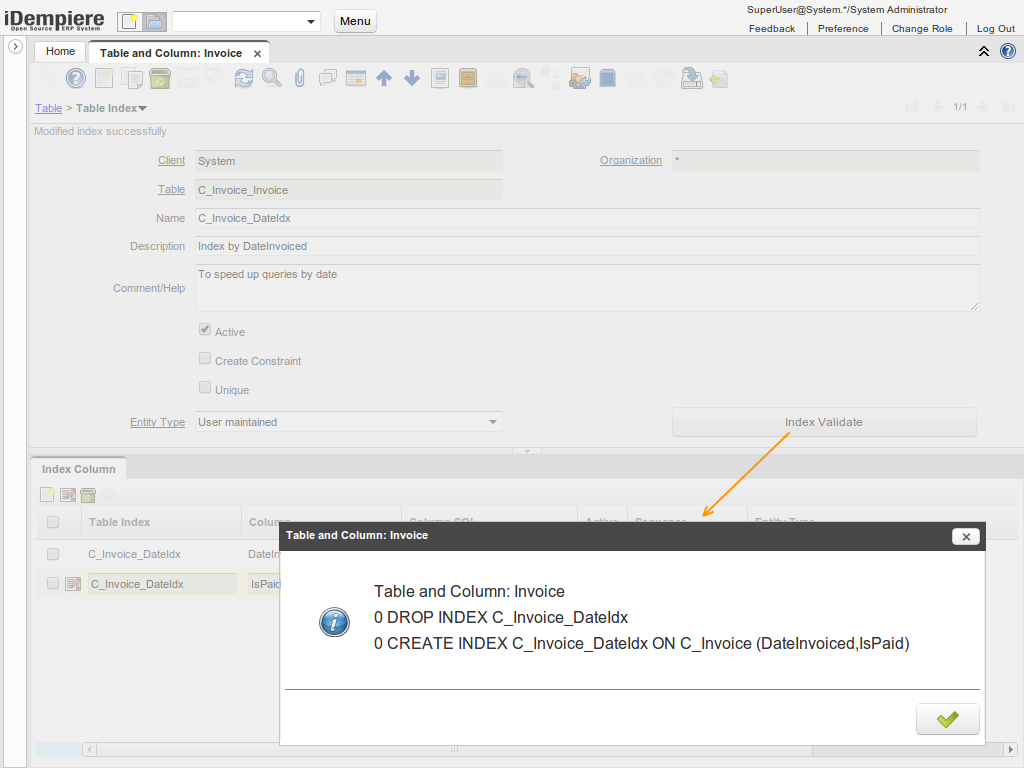
The button Index Validate creates or recreates the index in the database
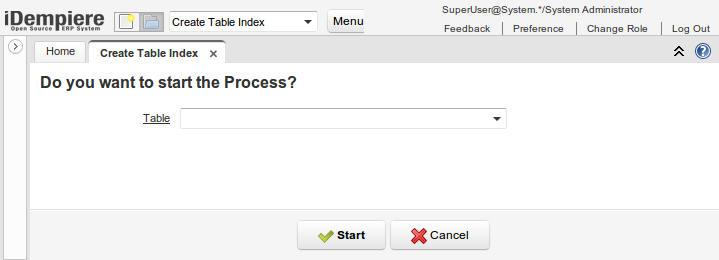
There is also a new process in menu called Create Table Index which takes the DB definition and create the index in dictionary.
Views
Now you can define and maintain views directly in the dictionary.
For a view you can define components (separate select portions concatenated using UNION). Each component allows you to define the column views.
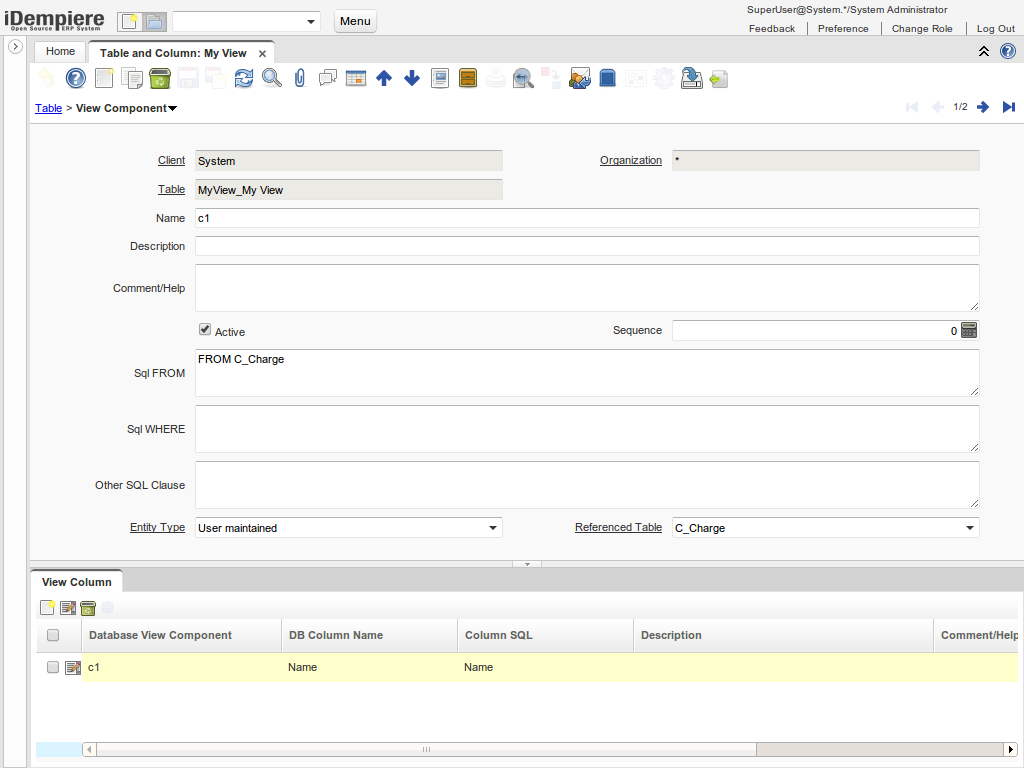
Once your view is defined/modified you can create/recreate the view using the button View Validate
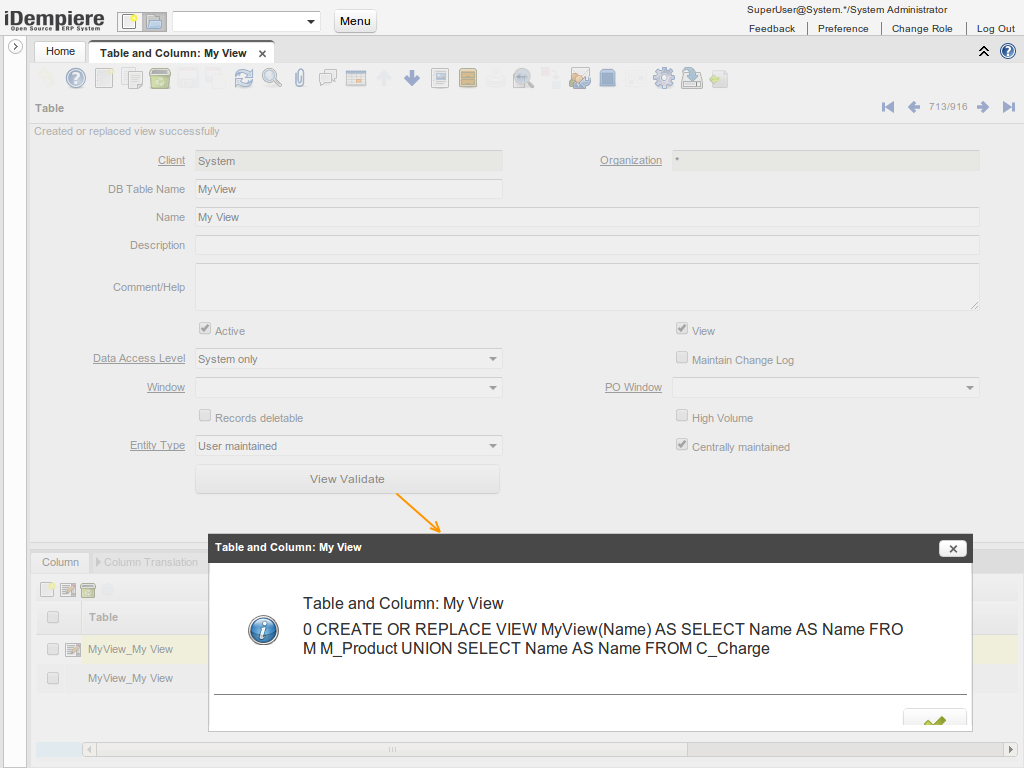
In the View component tab when you fill the "SQL FROM" and "SQL WHERE" fields, the FROM and WHERE words have to start the sentence. Otherwise, you will get an error
Foreign Keys
Now you can define the foreign key rules for table related columns database indexes directly in the dictionary.
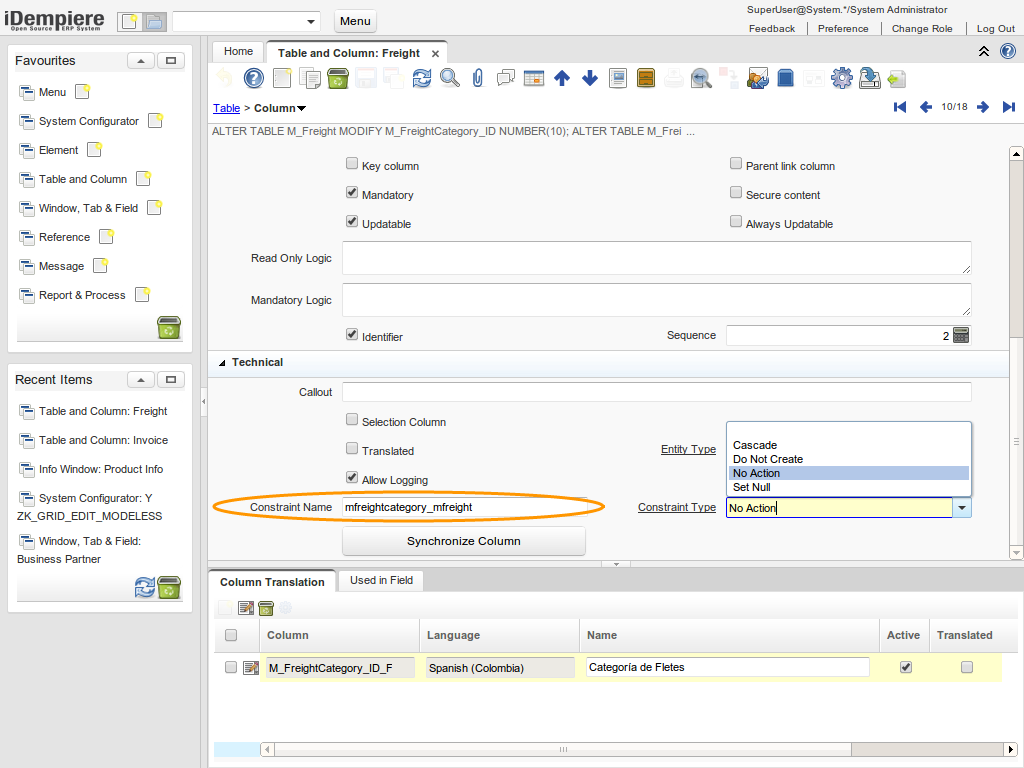
The Constraint Type options will modify the behavior of the constraint this way:
- No Action: This is the default, when the parent record is deleted it will throw an exception if there are child records
- Cascade: When the parent record is deleted then the child records on this constraint will be deleted too (if possible)
- Set Null: When the parent record is deleted then the child records on this constraint will set to null (if possible)
- Do Not Create: Do not create this constraint, not recommended, it can lead to data errors
Technical Info: IDEMPIERE-1132
Source: Wiki