ImageURL Fieldtype
Goal: Technical
Developer: Hengsin, Deep Testing, Carlos Ruiz.
Feature Ticket: IDEMPIERE-6242
Sponsor: Norbert Bede ad Cloudempiere.com
Description:
https://idempiere.atlassian.net/browse/IDEMPIERE-6242 adds a new ImageURL editor which rendering images from web url only.
Technical Changes
- Added Image URL display/data type
   - Implemented thumbnail rendering for Image and Image URL data type (Grid View and Info Window)
   - Implemented showing full size image for thumbnail on hover of the thumbnail image
Related to
- AD_Form ImageURL, load from theme or fragment attached to org.adempiere.ui.zk
- AD_InfoProcess Image URL, load from theme
- AD_InfoWindow ImageURL, load from theme or fragment attached to org.adempiere.ui.zk
- AD_PrintFormatItem.ImageURL, load from web, theme or fragment attached to org.adempiere.ui.zk
- AD_PrintTableFormat.ImageURL, load from web
- AD_UserDef_Info.ImageURL, same as AD_InfoWindow ImageURL
Setup
the admin able to define the size of thumbnails rendering in grid.
- Add client level AD_SysConfig ZK_THUMBNAIL_IMAGE_HEIGHT, default to 100
- Add client level AD_SysConfig ZK_THUMBNAIL_IMAGE_WIDTH, default to 100
**Example CSS Customization of No Image Place Holder (.no-image) and Hover Image (.fullsize-image) **
.no-image {
background-image: url("../images/noimage.png");
background-size: 22px; height: 22px; width: 100%; display: inline-block; background-position-x: center; background-repeat: no-repeat; }
.fullsize-image {
	height: 200px !important;
	width: 300px !important;
}
Example Usage
-
login as admin - open product info, change add fieldtype ImageURL - pointing to m_product.imageurl field
-
enter your image web links into products
-
setup your grid image sizes - you want to see as default by sysconfig
-
open product info see your grid and funny images.
Screens
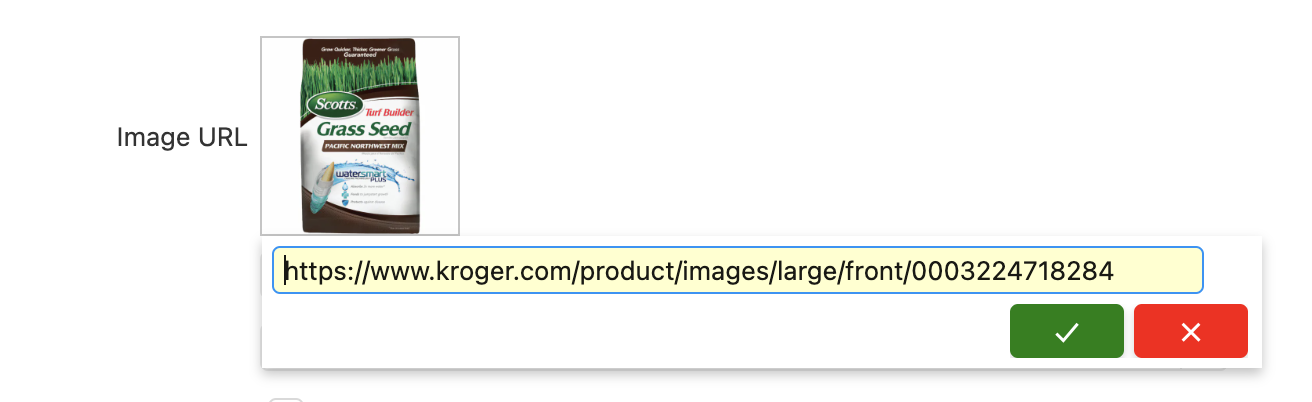
the imageurl editor allow click on field, and enter web url
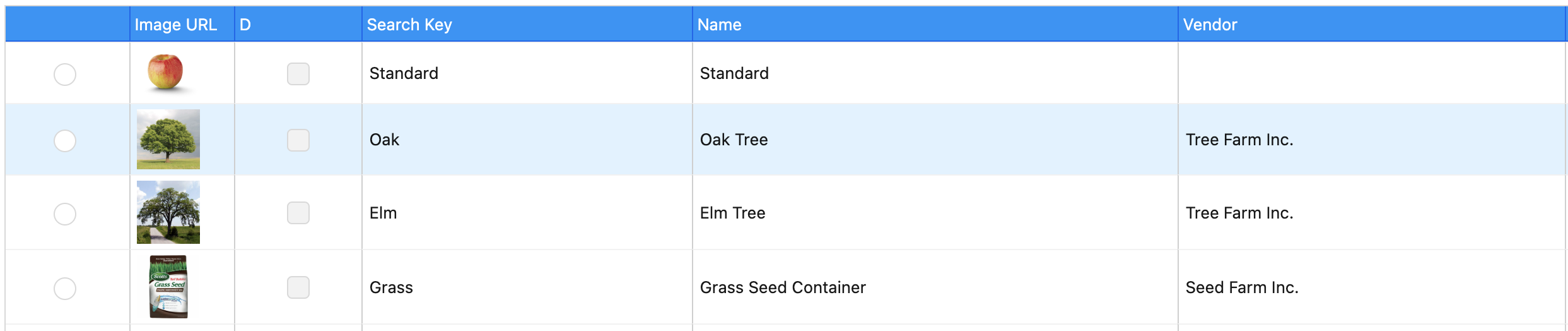
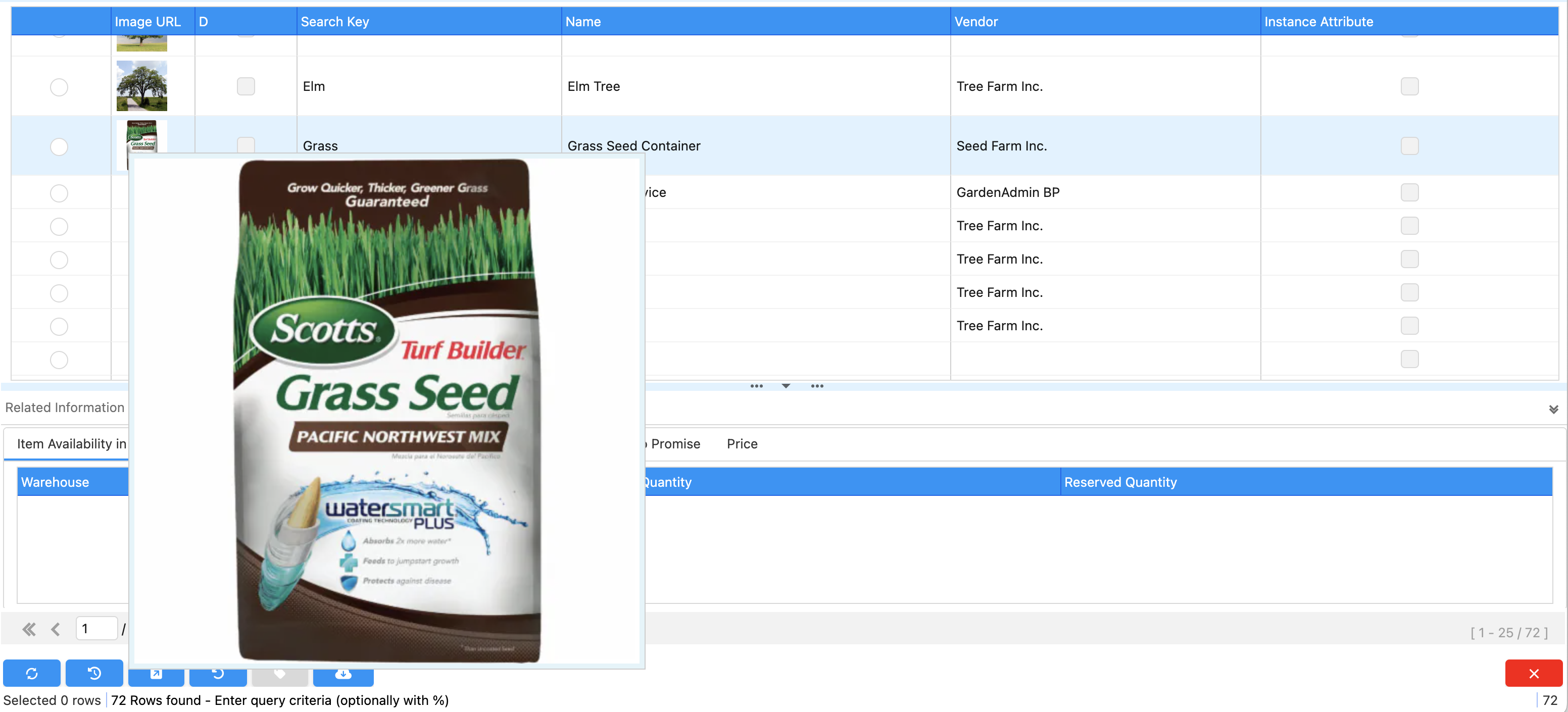
the screen shows how the user can zoom in on the details of the image by on hover
Source: Wiki