OOMPH Import Projects
Goal: UX/Functional
Developer: Hengsin
Feature Ticket: IDEMPIERE-5655
TOC
Description
Added idempiere.setup to utils_dev/oomph to support import of iDempiere projects into a new Eclipse workspace through the use of Oomph Import feature.
Steps
- Create workspace folder and clone iDempiere source.
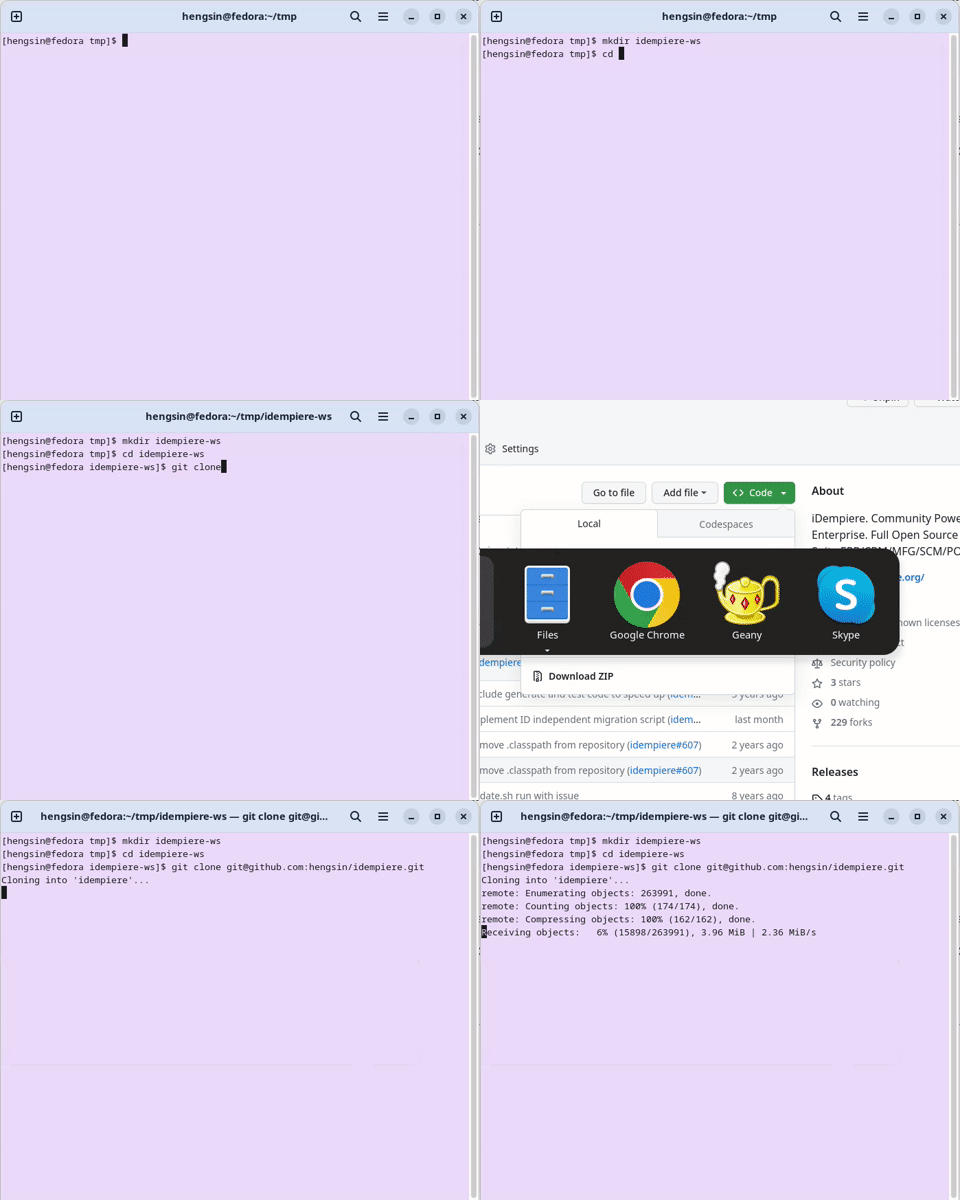
Clone iDempiere Source
- Run Maven Build.
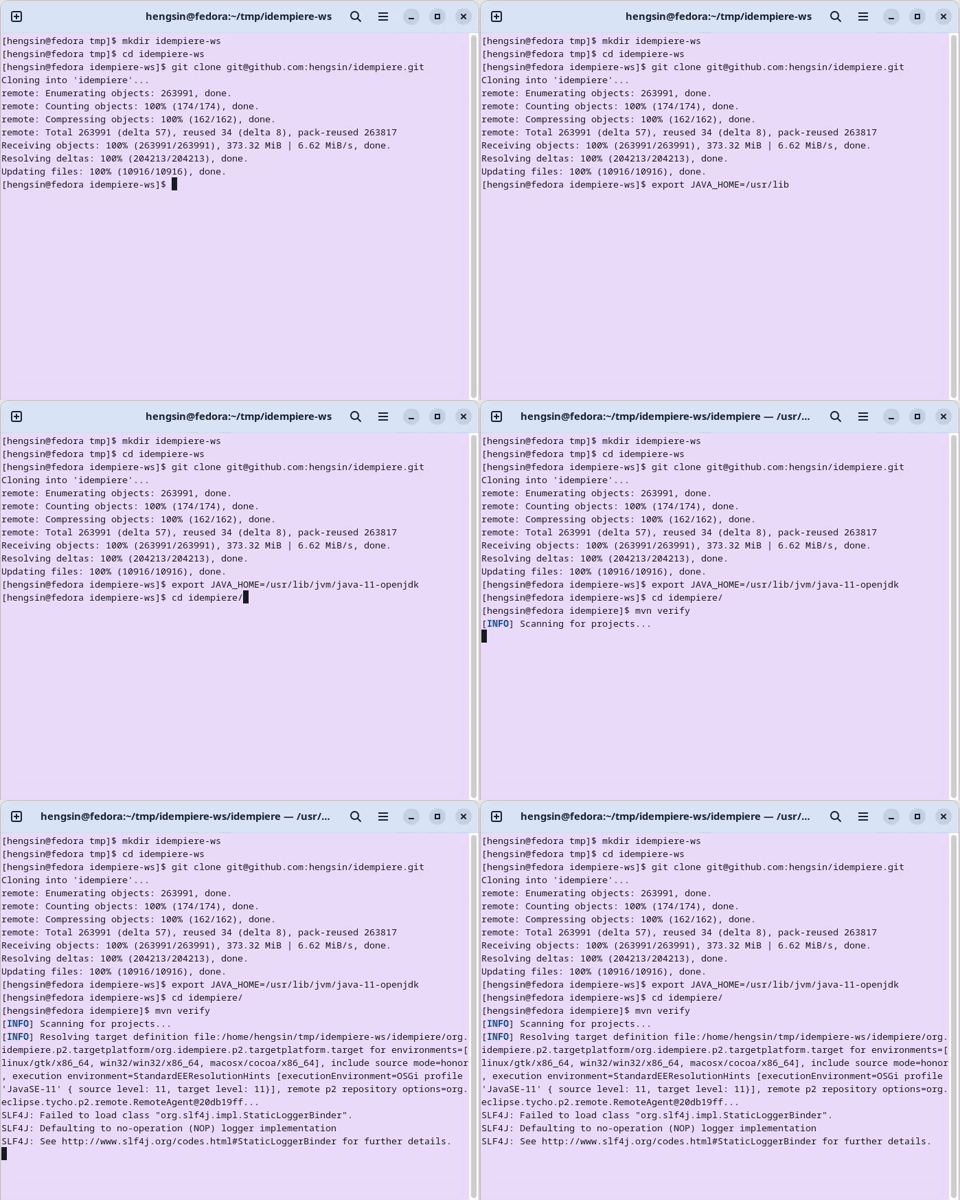
Run Maven build
-
Install Eclipse (Eclipse 2024-09, recommended to use the Eclipse installer).
-
Use Oomph to import iDempiere projects into workspace.
- Launch Eclipse and use the workspace created at step 1 above.
- Open the Oomph Import dialog and select utils_dev/idempiere.setup file.
- Click Finish to start the import process.
- Oomph Import Dialog Video - see Import project1.webm attachment at IDEMPIERE-5655
- Click Finish at the Import Progress Dialog to restart Eclipse
- Import of projects will auto continue after restart of Eclipse.
- Import Progress Dialog Video - see Import project2.webm attachment at IDEMPIERE-5655
- The import process will took a while. At the end, click Finish again to complete the process.
Source: Wiki